
Why live-stream ad breaks fail at scale
Live-stream ad breaks can work perfectly in rehearsal and fail when thousands of viewers reach the same opportunity. A clean programme feed proves only part of the path. The break also depends on timely decisions, prepared advertising media and a player that can cross both transitions without losing the programme.
Start an investigation with one affected session and one break identifier. Capture the cue, origin manifest, personalised response, media requests and player events. That evidence helps separate an unsold opportunity from a delivery fault before teams start changing unrelated settings.
Trace live-stream ad breaks across service boundaries
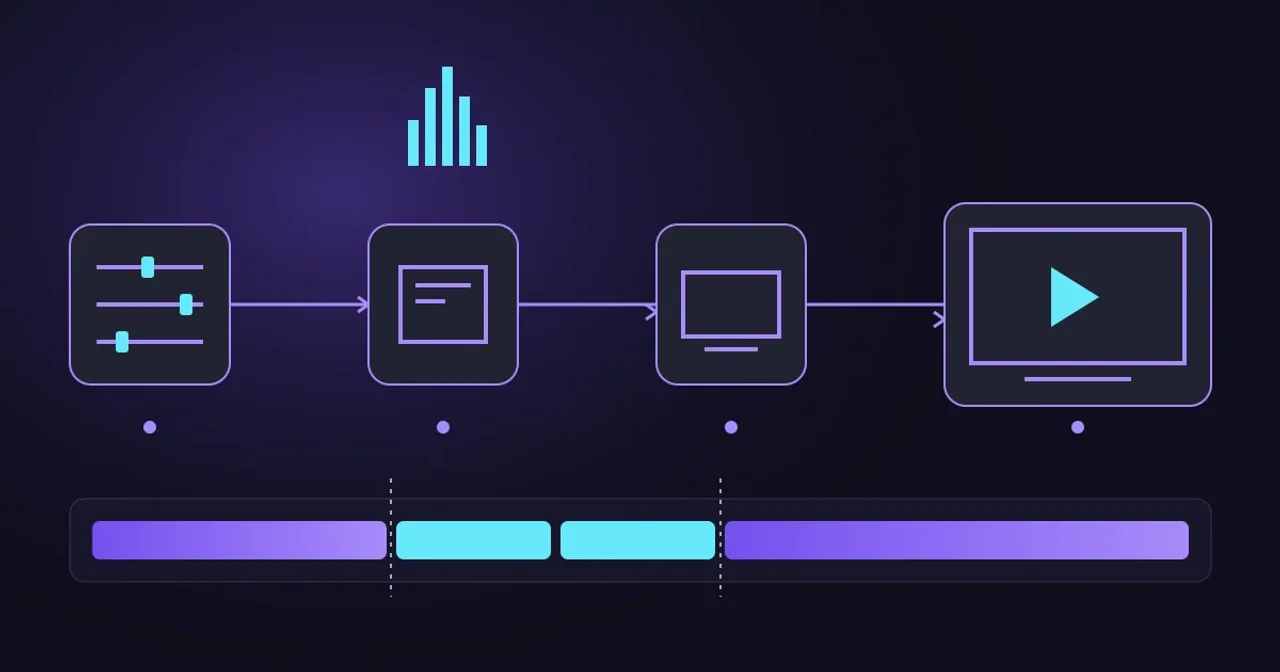
In server-side ad insertion (SSAI), an insertion service selects advertising media for the viewer’s stream. A typical path runs from playout and SCTE-35 signalling through encoding and packaging, ad decisioning, manifest assembly, CDN delivery and playback. The ad decision server and creative preparation sit alongside the media path.
Each handoff needs evidence. Record when the opportunity was announced, which media time it describes, when the decision completed and when the player crossed the boundary. Keep wall-clock and media timestamps distinct, and document how you correlate them. Redact tokens and personal identifiers before sharing traces.
Check the cue that reached the insertion service
A valid SCTE-35 message at playout doesn’t establish that the packager preserved its meaning. Check event identity, intended start, duration or end signalling, segmentation type and any configured inventory rules after each transformation.
For HLS, RFC 8216’s SCTE-35 mapping describes carriage through EXT-X-DATERANGE, including out and in signalling. Match the insertion service’s supported mapping; the presence of a tag alone doesn’t establish that it will trigger replacement.
Repeat tests with late cues, repeated announcements and a changed break duration. Repeated signalling may be intentional, so deduplicate according to event identity and the receiving system’s contract. Keep evidence of the expected programme return as well as the break start.
Separate an empty decision from an expired deadline
VAST, the Video Ad Serving Template, describes an ad response and its tracking information. Responses can contain wrappers that require further requests before a usable creative is found.
The IAB Tech Lab error table distinguishes wrapper timeouts (301), a wrapper limit reached (302) and no ad returned after wrappers (303). Preserve those distinctions in operational reports. A lack of eligible demand and a slow partner need different remedies.
Set an end-to-end decision budget that fits the playback deadline. Measure tail latency, such as the 95th and 99th percentiles, alongside timeout rates. A quick average can hide the sessions that miss the break. Bound retries so they don’t consume the remaining budget or multiply traffic during a failure.
Test the burst at the break boundary
An illustrative workload shows the problem: 120,000 sessions each requesting one ad decision within 4 seconds produces an average of 30,000 initial requests per second in that window. Wrapper calls and retries can add traffic. These are planning assumptions, not measured Evrideo capacity or a universal relationship between viewers and requests.
An evenly distributed test with the same daily request total will miss this burst. Reproduce synchronised breaks, late joiners and reconnects, then measure the ad server, manifest service and creative origin separately. Agree load limits with every partner before testing their systems.
Prefetching can move some decision and media preparation work ahead of the deadline. AWS’s MediaTailor implementation documentation describes retrieval and consumption windows, traffic shaping and matching prefetched ads to an opportunity. This is a documented vendor implementation, not a performance guarantee for every SSAI system. Check expiry, targeting freshness and inventory accounting before enabling an equivalent workflow.
Prepare media and verify both transitions
An accepted ad decision can still point to media that the player can’t use in time. Test cold creative URLs, missing renditions, slow downloads and unsuccessful preparation. Keep creative readiness separate from decision success in your dashboards.
Apple’s HLS authoring requirements recommend matching inserted media codecs and aspect ratios to the programme and keeping ad bandwidth within the variant’s declared bandwidth. They also require aligned discontinuities across renditions and advise against codec changes at those boundaries.
Check frame rate, audio layout, timestamps and random-access boundaries across the actual device matrix. A discontinuity tag cannot make an unsupported decoder transition work. For DASH, exercise transitions between programme and advertising Periods on the players you ship, including audio and subtitle continuity.
Encrypted services need extra cases: protected content into clear ads, protected ads using another key, and the return to the programme. Capture licence latency and entitlement errors where applicable. Use an authorised playback probe to observe decrypted output; manifest inspection alone cannot prove that viewers saw a picture. Our DRM engineering guide covers these dependencies in more detail.
Define a fallback viewers can live with
Write down what happens when there is no ad, a decision times out or the media isn’t ready. Choose a rights-cleared fallback, define how the remaining seconds are filled and verify the return to programme. A house promotion or slate still needs compatible encoding and reliable delivery.
AWS’s MediaTailor slate documentation illustrates why configuration matters: empty responses, decision errors and unfinished transcoding can invoke fallback behaviour; without configured slate, its documented default uses the underlying content. Other services can behave differently. Never assume that underlying material is cleared for every destination.
Make the acceptance test measurable
For the next rehearsal, agree these checks with operations, advertising and distribution partners:
- Track eligible opportunities, decisions, ready creatives, playback starts and completions separately.
- Measure manifest and segment failures, rebuffering and recovery at both edges of the break.
- Include empty demand, delayed decisions, cold creatives and a failed delivery path.
- Test fallback duration and programme return on representative TVs, mobile devices and browsers.
- Reconcile playback evidence with reporting; a successful HTTP request or inserted manifest entry doesn’t prove an ad was watched.
Set pass criteria from your service requirements rather than borrowing a universal latency target. Preserve one trace for each failed case and assign the repair to the service boundary where the evidence changes.
For live-stream ad breaks, the useful release test is a complete break under realistic load, including recovery. Evrideo’s stream analysis tools can help inspect manifests and SCTE markers as part of that investigation. Talk to our team about testing the path from your channel output to the viewing device.