OGraf: portable HTML graphics for live television
A lower third can look perfect in a designer’s browser and still fail when it reaches the studio renderer. Fonts arrive late, animation commands behave differently, or a template expects a vendor-specific control message. OGraf gives broadcast engineers a common contract for packaging and controlling HTML graphics across compatible systems.
That matters when a broadcaster changes graphics engines, adds a cloud production environment or commissions templates from several suppliers. A shared interface can reduce the custom integration work around each template. Production acceptance still has to prove what appears on screen.
What OGraf standardises
OGraf is the EBU’s open graphics specification. Its Graphics v1 became stable in September 2025; the Server API joined stable v1 in August 2026, according to the EBU changelog. These are specification milestones, rather than evidence that every product implements every capability.
There are two useful boundaries to understand. The Graphics specification describes the graphic package and the interface a renderer uses to operate it. The Server API describes how an external controller talks to an OGraf server managing renderers and graphic instances.
For engineers, this separates the design asset from the automation system that cues it. An operator panel can request a graphic, supply its data and trigger actions through a documented interface.
Inside the graphic package
The Graphics specification defines a manifest named with an .ograf.json suffix, a JavaScript entry point exporting a Web Component class, and dependencies such as images and fonts. The manifest identifies the graphic, its supported rendering modes and its entry point. A data schema can describe fields such as a presenter’s name and location.
Render requirements can declare resolution, frame rate, internet access and supported engine versions. Check those requirements before loading a template. A graphic that depends on an external data service needs an approved network path and a failure policy.
Where it sits in the broadcast chain
The following diagram shows an illustrative control path. The renderer then produces graphics for the facility’s compositing and video-output chain. Encoding and distribution follow downstream, according to the deployment.
Arrows represent control messages. Rendered graphics travel through a separate, implementation-specific compositing and video-output path.
OGraf doesn’t define an SDI transport, an ST 2110 profile or a streaming codec. Verify output format, alpha handling, synchronisation and colour treatment with the renderer supplier and the downstream equipment.
Taking a lower third to air
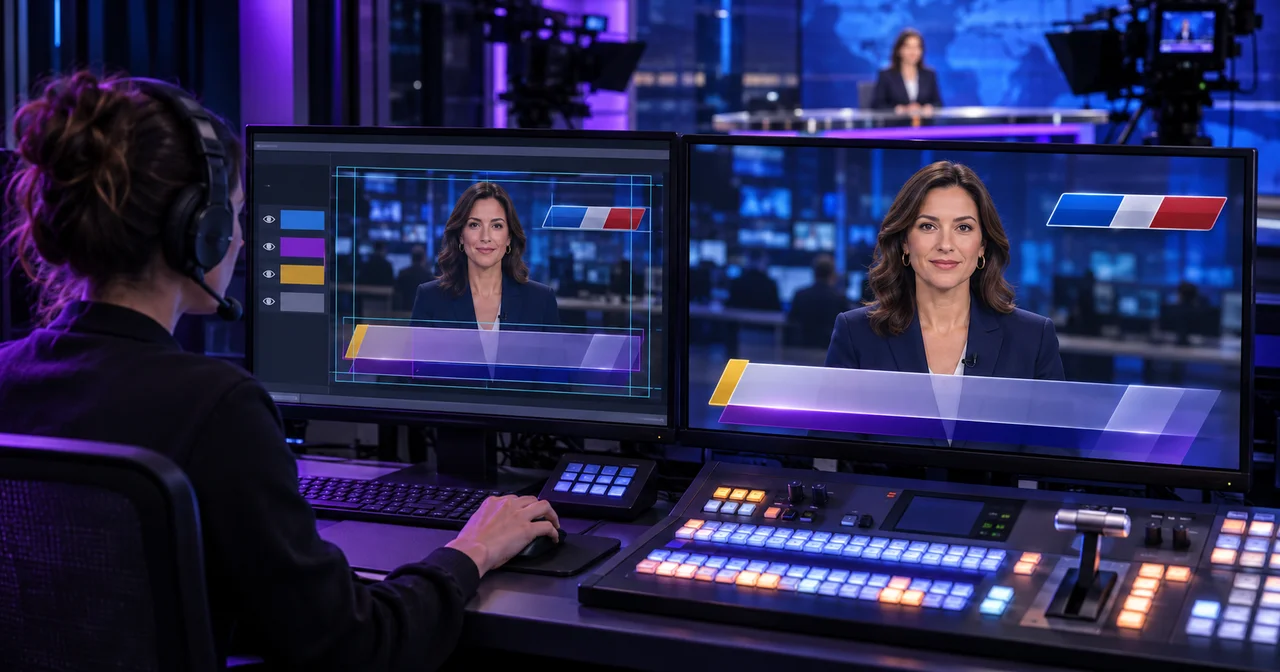
Consider a hypothetical news lower third with a name and a location. The renderer first loads the graphic with its initial data and rendering characteristics. It waits for readiness before asking the graphic to animate on screen.
The EBU Graphics API interface uses explicit method names: load(), playAction(), updateAction(), stopAction() and dispose(). They return promises. A resolved action promise describes completion within that interface; it doesn’t prove that a particular video frame reached programme output.
- 1Prepare and cue
The renderer calls
load()with initial data and waits for readiness, then callsplayAction()to show the graphic. - 2Update on air
Call
updateAction()with the changed location. Confirm the intended instance receives the update and that the animation remains readable. - 3Remove and release
Call
stopAction()to take the graphic off, thendispose()when the instance is being removed and its resources can be released.
Handle failed calls and timeouts at each stage. Stopping a graphic and releasing its resources are separate operations.
A results panel may contain several steps. OGraf numbers steps from zero, and playback actions can select a step or advance relative to the current one. Test rapid operator actions: a second command can arrive before the first animation finishes, and templates may queue or interrupt those actions differently.
Connecting the control system
The Server API specification defines HTTP operations for discovering graphics and renderers, loading instances and issuing actions. Keep the instance identifier returned by loading and address subsequent commands precisely. Clearing a target can affect multiple instances if its filter is broad.
An automation adapter should track requested state, accepted commands and observed output separately. Log the template version, instance, data revision and command time so an operator can investigate a wrong name or a graphic that stayed on air.
Define what happens when a request times out. Blindly retrying a relative advance can move a results graphic twice if the first request succeeded but its response was lost. Recovery should reconcile state or use a documented, tested command policy.
Prove portability before production
Start with one lower third and one multi-step graphic. Run the same packages on the intended renderers with cold caches, long names, accented characters and missing external services.
Fonts deserve their own test. The W3C font-loading specification exposes loading and readiness mechanisms, including failure handling. Explicitly load required faces and weights, check failures, and test representative text before declaring the graphic ready. A substituted font can change line breaks enough to obscure the picture.
Record browser and engine versions, resolution, frame rate, animation timing and resource use. Test the full output chain, including transitions and recovery after a renderer restart. Package dependencies locally where practical, and verify redistribution rights for fonts and other assets.
Treat template JavaScript as executable code. Review dependencies, isolate execution and restrict network access. Keep control credentials outside the template. The Server API leaves security to implementations, so authentication, authorisation and input validation need explicit deployment decisions.
OGraf gives teams a useful basis for reusable HTML broadcast graphics and consistent control interfaces. A measured pilot will show which templates transfer cleanly and which dependencies need attention. Talk to Evrideo about graphics requirements within your wider broadcast operations workflow, including the integration and acceptance testing your channel needs.