Cloud Playout Latency: From File to Frame in Broadcast Workflows
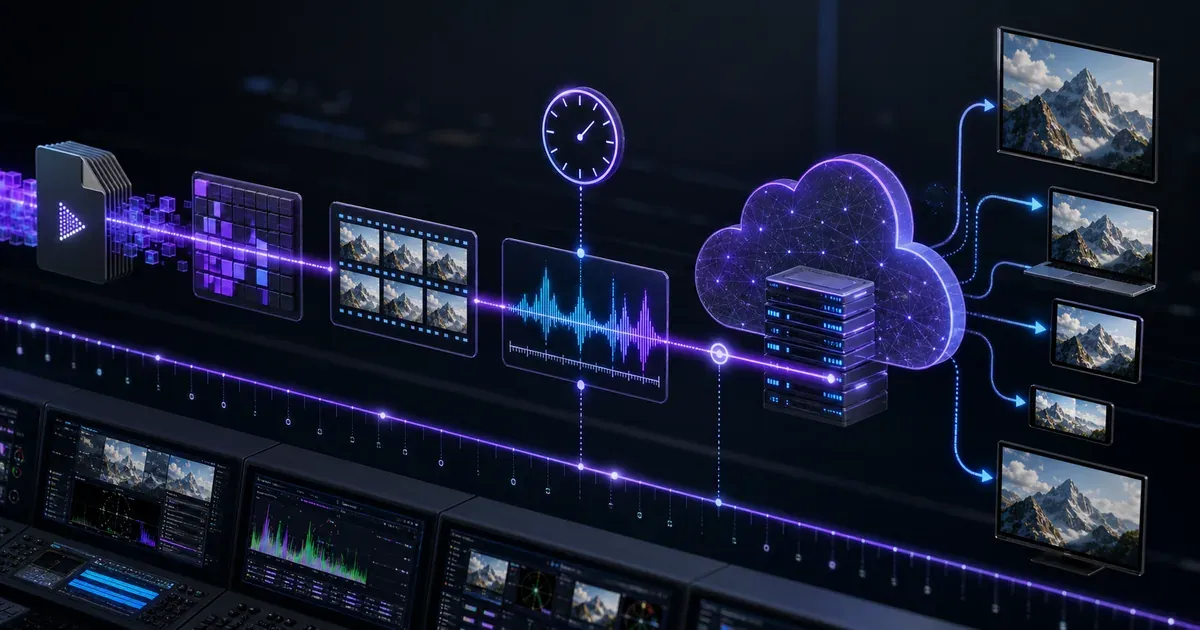
Cloud playout latency is not one number. It is the sum of a dozen small waits between a media file entering a workflow and a decoded frame appearing on a viewer's screen. In a market where streaming reached 44.8% of U.S. TV usage in May 2025, ahead of broadcast and cable combined at 44.2%, that chain now matters to broadcasters as much as the old SDI path once did (Nielsen via TVTechnology).
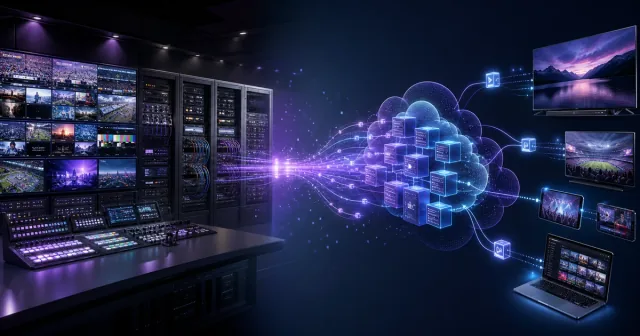
The uncomfortable truth is that moving playout to the cloud does not automatically make a channel instant. It makes the latency budget more visible, more configurable, and easier to align with the service you are actually launching. A 24/7 FAST channel, a live sports pop-up, a compliance-recorded simulcast, and an interactive betting stream should not all chase the same latency target.
From Source to Screen: Where Latency Accumulates
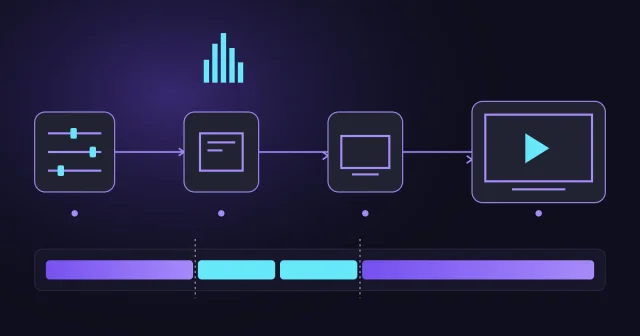
Treat latency as four connected budgets. A delay introduced early in the chain cannot be recovered by tuning only the player, and a fast contribution path does not guarantee fast public distribution.
-
01ContributionGet the source into the cloud
- Source readiness Ahead of air or live File transfer and QC, or camera capture and contribution encoding.
- Network transport Recovery buffer SRT, RIST, fibre or managed IP trades immediacy for packet recovery.
-
02Cloud operationsProtect and assemble the channel
- Ingest and protection Synchronise inputs Receive, validate, align and fail over the incoming source.
- Playout and switching Operational buffer Prefetch media, render graphics and execute deterministic junctions.
-
03Distribution preparationCreate the viewer-ready stream
- Encode and transcode GOP and lookahead Codec, ABR ladder, scaling and quality settings add processing time.
- Package and originate Segments or parts HLS or DASH segment duration determines when media becomes available.
-
04Delivery and playbackMove from the live edge to a frame
- CDN delivery Cache and request path Manifest freshness, origin shielding and edge behaviour affect the live edge.
- Player and decode Startup buffer The device selects a rendition, buffers, decodes and finally displays the frame.
File preparation normally happens ahead of air and is operational latency rather than glass-to-glass delay. Live sources pass through every phase in real time.
Cloud Playout Latency Starts Before Encoding
The first wait happens before video becomes a stream. Files must be uploaded, validated, normalized, scheduled, and made available to the playout engine. If the asset is already in cloud storage, this can be almost invisible. If the file has to cross a slow contribution link, be transcoded from an unusual mezzanine format, or wait for missing metadata, latency begins as an operational delay rather than a streaming delay.
In practical broadcast terms, the file-to-frame path starts with three questions: is the media ready, is the schedule deterministic, and can the playout engine read the next item early enough to avoid a junction problem? Evrideo's cloud workflow is built around that idea: scheduling, media readiness, graphics, live switching, ad signalling, and distribution need to share state, because every handoff is a potential wait.
Stage 1: Ingest, QC, and Media Readiness
Ingest latency is usually measured in minutes or seconds, not milliseconds. It includes file transfer, checksum validation, proxy generation, caption checks, audio layout verification, and any normalization needed before playout. For channels assembled from a pre-cleared library, this stage should happen ahead of air. For pop-up channels and fast-turnaround sports packages, it becomes part of the launch clock.
A concrete example: a rights holder building a same-day highlight channel from a live tournament might receive clips every few minutes. The latency target is not only "how fast can we encode?" It is "how quickly can the clip become a scheduled, rights-checked, caption-aware item with ad opportunities and fallback behaviour?" That is where cloud playout latency becomes workflow latency.
Stage 2: Playout Buffer and Junction Control
Traditional master control relied on deterministic local equipment. Cloud playout has to create the same confidence using prefetching, state management, and redundancy. A playout buffer protects the channel from storage jitter, API delays, graphics rendering time, and live-source instability. Too little buffer and the service becomes fragile; too much and operators lose agility.
This is why latency budgets should be service-specific. A lean sports insertion path may accept more operational risk to stay close to live. A FAST movie channel should normally prefer clean junctions, accurate ad markers, and stable delivery over shaving a few seconds from glass-to-glass delay.
The Encoding and Packaging Budget
Once playout emits frames, the encoder introduces its own delay. Group-of-pictures length, lookahead, bitrate ladder complexity, codec choice, scaling, audio processing, captions, and redundancy all matter. High-efficiency codecs and aggressive quality optimisation can save distribution cost, but they may add processing delay. Low-latency profiles usually trade some compression efficiency for speed.
Packaging adds another layer. HLS and DASH delivery split video into segments, and the segment duration has a direct relationship with latency. Traditional HLS workflows with longer segments can sit many seconds behind live. Low-Latency HLS uses partial segments and playlist updates to reduce delay, but it only works properly when the encoder, origin, CDN, and player all support the pattern (Apple Low-Latency HLS documentation). DASH has similar low-latency possibilities, but research on dash.js shows that lower latency targets can improve immediacy at the cost of higher stalling risk if the player and network are not tuned carefully (O'Hanlon and Aslam, 2023).
Stage 3: Origin, CDN, and Manifest Freshness
Many latency problems blamed on "the cloud" are actually origin or CDN problems. A manifest that is cached too long, a partial segment that arrives late, or an origin shield that waits before exposing a chunk can erase careful encoder work. Low latency increases request volume and timing sensitivity, so the CDN configuration becomes part of the broadcast chain.
The operational question is simple: can monitoring see the live edge at every layer? A channel dashboard should show playout time, encoder output, packaged segment availability, manifest freshness, CDN health, and downstream playback. If those clocks are not visible together, engineers are left guessing which part of the chain is accumulating delay.
Contribution Latency Is Different from Distribution Latency
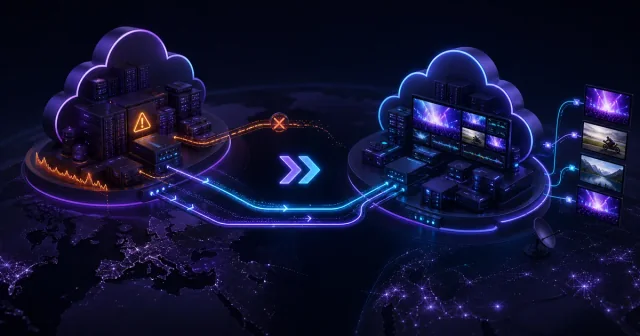
Live contribution into cloud playout is a separate budget from distribution out to viewers. SRT was created to support reliable, low-latency video over unpredictable networks, and the SRT Alliance describes its mission around low-latency internet streaming and an open-source transport stack (SRT Alliance). In practice, SRT, RIST, WebRTC, Zixi, and managed fibre/IP contribution all make different trade-offs between delay, recovery, cost, and operational control.
A remote camera feed might need a tight contribution path into cloud playout, while the public OTT output can still use a more forgiving HLS or DASH latency target. Mixing those two targets is a common mistake. The production team needs low delay to switch confidently; the viewer may need a stable stream more than a sub-second experience.
Three Channels, Three Different Latency Budgets
The same cloud platform can support very different operating choices. The sequence stays broadly similar; the buffers, packaging mode and definition of success change.
Live Sports
- 01Camera and contribution
- 02Live switching
- 03Low-latency encode
- 04Partial segments and CDN
- 05Small player buffer
A tighter recovery and player buffer keeps viewers close to the action, but leaves less room for network jitter and device variation.
Thematic Channel
- 01Prepared content library
- 02Buffered playout
- 03Efficient ABR encode
- 04Full HLS segments
- 05Resilient player buffer
Because the schedule is prepared, clean junctions, compression efficiency and reliable playback matter more than staying close to a live clock.
FAST Channel
- 01Library and live sources
- 02Playout and SCTE-35
- 03Encode and package
- 04SSAI decision and splice
- 05CDN and player
Ad decisions, manifest conditioning and partner rules may add delay. Marker alignment and a dependable splice are worth more than the lowest number.
These are planning patterns, not SLAs. AWS documents standard HLS at 18–30 seconds and LL-HLS as low as 3–5 seconds; Apple shows how partial segments expose media sooner than full segments. AWS HLS and LL-HLS guidance · Apple Low-Latency HLS guidance.
Ad Markers, FAST Growth, and Why Timing Has Commercial Value
Latency is not just about pictures arriving late. Ad markers, programme boundaries, blackout rules, captions, and metadata must arrive at the right time too. That matters more as FAST channels scale. Gracenote reported roughly 1,850 active FAST channels globally in its Q3 2025 Data Hub, up 76% since 2023 (Gracenote via TVTechnology). More channels mean more automated playout, more ad opportunities, and more ways for timing drift to become lost revenue.
For example, a FAST sports archive channel might tolerate 20 seconds of viewer latency, but it cannot tolerate SCTE-35 markers drifting across segment boundaries or an ad break firing after the programme has resumed. In that case, latency engineering is revenue engineering: the goal is not the lowest number, but the most dependable timing relationship between content, ads, and distribution partners.
How to Build a Useful Latency Budget
Start by writing the target as a chain, not a slogan. File readiness: under five minutes for fast-turnaround clips. Playout buffer: enough to protect junctions. Encoder and packager: tuned for the channel's latency class. CDN and manifests: configured for the chosen HLS or DASH mode. Player buffer: measured on real devices, not only desktop browsers. Monitoring: one view of clocks across the chain.
Then decide what you refuse to sacrifice. For a compliance-heavy broadcaster, stable captions and reliable failover may matter more than live-edge speed. For a live sports pop-up, contribution latency and operator confidence may be the priority. For a FAST channel, clean ad signalling and consistent playback usually beat ultra-low latency.
For a closer look at transport and player feedback, read our engineering guide to QUIC, Media over QUIC and CMCD. It shows where each technology fits in the streaming chain and separates media delivery from client telemetry.
Conclusion: Cloud Playout Latency Is a Design Choice
Cloud playout latency is best understood as an engineering budget that begins with media readiness and ends inside the player buffer. The winning architecture is not always the lowest-latency architecture. It is the one that makes each wait intentional, observable, and appropriate for the channel's commercial purpose.
For broadcasters, OTT operators, and sports rights holders, that is the real advantage of cloud playout latency work: it turns a hidden chain of delays into a managed workflow. Learn more about how Evrideo Broadcast connects scheduling, playout, live switching, ad insertion, and distribution so teams can choose the right latency target for every channel.